Virtual meeting etiquette has become essential for professionals navigating today’s remote work landscape. Poor video call manners can damage your reputation, while mastering online meeting tips sets you apart as a polished professional.
This guide is for remote workers, team leaders, and anyone who wants to excel in virtual workplace communication. Whether you’re new to video conferences or looking to refine your digital meeting professionalism, you’ll learn practical skills that make every online interaction count.
We’ll cover how to prepare for meetings that run smoothly and leave great impressions. You’ll also discover proven techniques for engaging your audience during virtual presentations and building genuine connections through your screen. Plus, we’ll share zoom meeting etiquette secrets that help you handle technical hiccups without breaking a sweat.
Master these virtual presentation skills, and you’ll transform from just another face on screen into someone colleagues actually look forward to meeting with online.
Master Pre-Meeting Preparation for Professional Success
Test Your Technology and Backup Plans
Run a complete tech check 30 minutes before your virtual meeting to avoid embarrassing technical difficulties. Test your camera, microphone, and internet connection using the platform’s built-in audio and video settings. Keep backup options ready – download the mobile app, have a phone dial-in number handy, and ensure your device is fully charged with a power cable nearby.
Choose the Perfect Virtual Background and Lighting
Position yourself facing a window or invest in a simple ring light for professional video conference best practices. Natural lighting creates the most flattering appearance and shows attention to digital meeting professionalism. If using virtual backgrounds, choose simple, neutral options that won’t distract from your message or cause technical glitches during important discussions.
Prepare Your Agenda and Materials in Advance
Organize all meeting documents, presentation slides, and reference materials in easily accessible folders on your desktop. Print key information as backup in case of screen-sharing issues. Review the agenda thoroughly and prepare talking points to demonstrate your online collaboration skills and contribute meaningfully to virtual workplace communication.
Set Up Your Physical Environment for Focus
Create a dedicated meeting space free from household distractions, pets, and background noise. Close unnecessary browser tabs and applications to maintain optimal internet bandwidth and computer performance. Position your camera at eye level to project confidence and professionalism. Inform family members or roommates about your meeting schedule to prevent interruptions that could compromise your virtual meeting etiquette.
Perfect Your On-Camera Presence and Body Language

Maintain Eye Contact Through Camera Positioning
Position your camera at eye level to create natural-looking eye contact during virtual meetings. Looking directly into the lens, not at the screen, helps establish connection with participants. Place a small arrow or reminder near your camera to maintain this habit throughout video conferences.
Use Gestures and Facial Expressions Effectively
Keep hand gestures within the camera frame and use purposeful movements that support your message. Your facial expressions should be slightly more animated than in-person meetings since video compression can diminish subtle reactions. Nod occasionally to show engagement and maintain an open, approachable expression that conveys professionalism and attentiveness to remote colleagues.
Dress Professionally for Maximum Impact
Choose solid colors and avoid busy patterns that can be distracting on camera. Your outfit should reflect the same professional standards as in-person meetings, even if only your upper body is visible. Consider your background and lighting when selecting colors – darker tones often work better against bright backgrounds, while lighter colors complement darker settings.
Navigate Audio and Video Controls Like a Pro
Master Mute and Unmute Timing
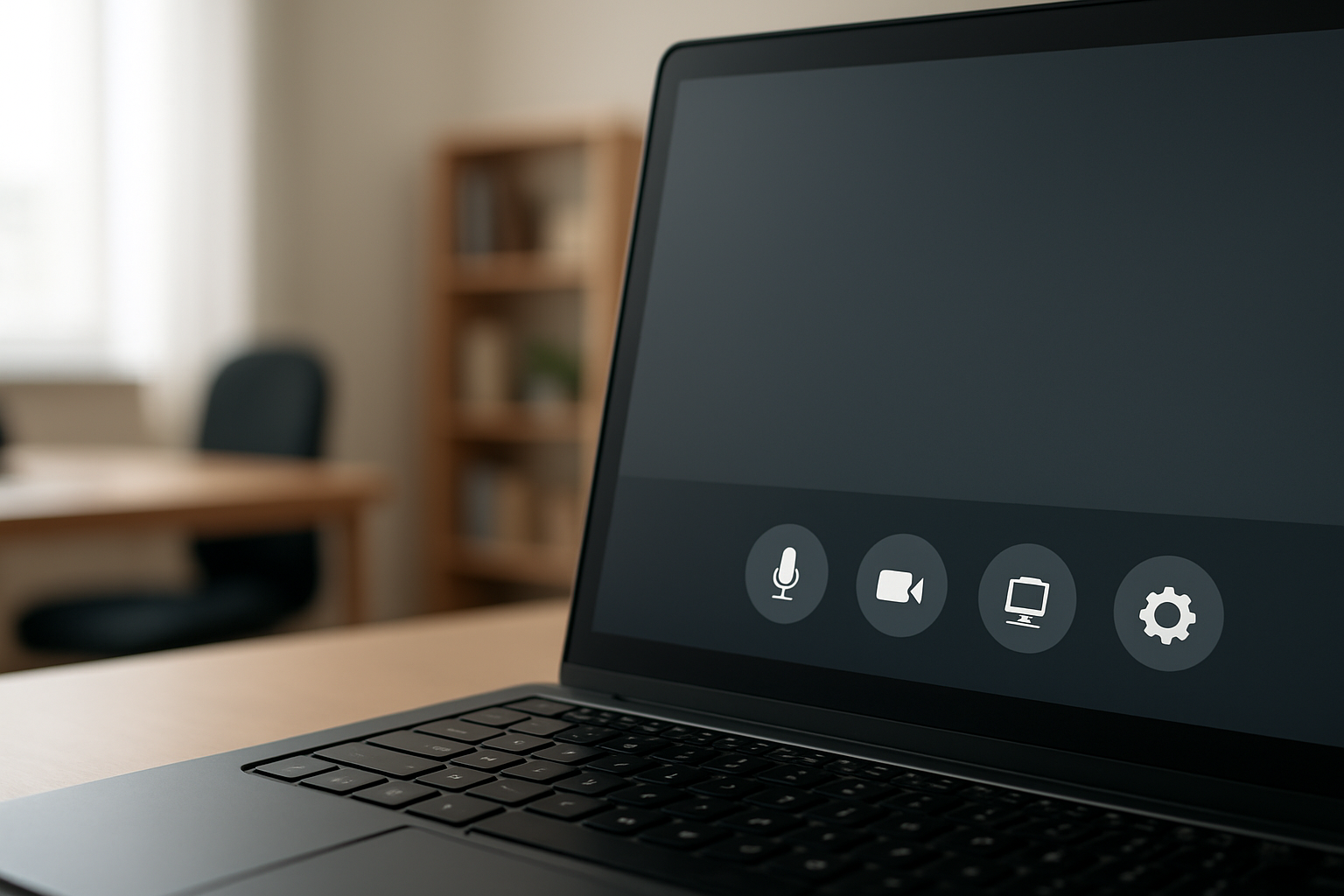
Perfect mute timing is crucial for effective virtual meeting etiquette. Keep yourself muted when not speaking to eliminate background noise and distractions. Unmute only when you’re ready to contribute, allowing for a brief pause before speaking to ensure your audio activates properly. Watch for visual cues from the meeting host and practice the quick keyboard shortcuts for your platform to avoid fumbling with controls during important discussions.
Optimize Your Audio Quality and Volume
Quality audio makes or breaks your virtual presentation skills. Position your microphone at mouth level, about six inches away, and test your volume before meetings start. Use headphones to prevent echo and feedback issues that disrupt online collaboration skills. Close unnecessary applications that might interfere with your audio processing, and keep backup communication methods ready in case your primary audio fails during critical moments.
Handle Video Settings and Screen Sharing
Master your camera positioning and lighting setup before joining any video conference. Position your camera at eye level to maintain professional appearance and enable good eye contact. When sharing your screen, close personal applications and prepare your desktop beforehand. Practice switching between screen sharing and camera modes smoothly, and always confirm participants can see your shared content clearly before proceeding with your presentation.
Troubleshoot Common Technical Issues Quickly
Technical problems happen even to the most prepared professionals. Keep your platform’s help resources bookmarked and learn basic troubleshooting steps like restarting your audio, checking internet connectivity, and clearing your browser cache. Have backup plans ready, including phone dial-in numbers and alternative meeting platforms. When issues arise, communicate quickly with participants about the problem and your estimated resolution time to maintain digital meeting professionalism throughout the session.
Engage Effectively During Virtual Discussions
Practice Active Listening in Digital Environments
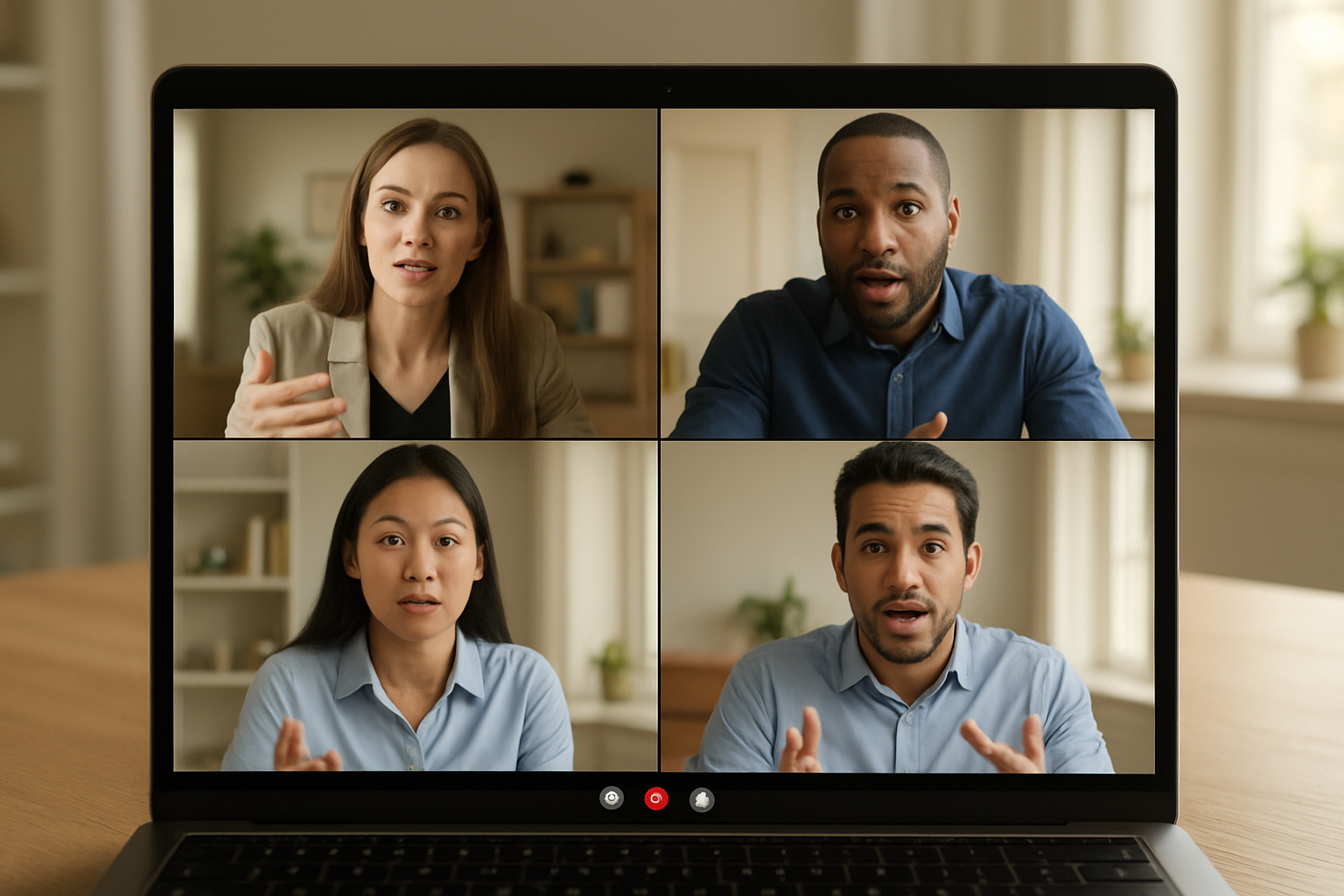
Active listening becomes more challenging in virtual settings where nonverbal cues are limited. Focus on the speaker’s words and maintain eye contact with your camera, not the screen. Use verbal acknowledgments like “I understand” or “that’s interesting” to show engagement. Take notes to stay focused and demonstrate your attention. Minimize distractions by closing unnecessary browser tabs and putting your phone away.
Use Chat Features Strategically
The chat function serves as a powerful tool for virtual meeting etiquette when used thoughtfully. Share relevant links, clarify complex points, or ask questions without disrupting the speaker. Keep messages concise and professional, avoiding emoji overuse in formal settings. Use private messaging sparingly and only for urgent clarifications. Save lengthy discussions for post-meeting follow-ups.
Speak Clearly and Avoid Interruptions
Clear communication requires deliberate pacing and articulation in video conferences. Speak slower than normal and project your voice slightly to compensate for audio compression. Pause between thoughts to allow for potential audio delays. Watch for visual cues before speaking, as lag time can create awkward overlaps. Keep your microphone muted when not speaking to prevent background noise interference.
Manage Turn-Taking and Floor Control
Successful virtual meetings require structured turn-taking protocols. Wait for clear verbal or visual signals before contributing. Raise your hand using platform features or physical gestures to request speaking time. Address people by name when responding to ensure clarity about who you’re engaging with. Establish ground rules at the meeting start to prevent chaos and ensure everyone gets heard.
Ask Questions and Provide Meaningful Contributions
Thoughtful participation elevates virtual meeting productivity and demonstrates your engagement. Prepare relevant questions beforehand and time them appropriately during natural breaks. Build on others’ ideas by referencing their specific points before adding your perspective. Keep contributions focused and valuable rather than speaking just to be heard. Follow up important discussions with clarifying questions to ensure mutual understanding.
Handle Virtual Meeting Challenges with Confidence

Deal with Distractions and Interruptions Gracefully
When pets, family members, or delivery notifications crash your virtual meeting, stay calm and briefly acknowledge the interruption with a quick “Sorry about that” before smoothly redirecting attention back to the discussion. Keep your mute button handy and use it immediately when unexpected noise occurs. If the distraction is visual, turning off your camera momentarily while addressing the issue shows professionalism and consideration for other participants.
Manage Time Zones and Scheduling Conflicts
Master the art of time zone coordination by always confirming meeting times in multiple zones and sending calendar invites with automatic conversions. When scheduling conflicts arise, suggest alternative times immediately and offer to record the session for those who can’t attend. Keep a world clock app handy and double-check time differences, especially during daylight saving transitions when zones shift unexpectedly.
Address Technical Difficulties Without Panic
Stay prepared for tech hiccups by having backup plans ready – a phone number for dial-in access and alternative meeting platforms installed. When your video freezes or audio cuts out, quickly communicate through chat while troubleshooting the issue. Test your equipment before important meetings and keep IT support contacts accessible for quick resolution of persistent problems.
Navigate Awkward Silences and Connection Issues
Break uncomfortable silences by asking open-ended questions or suggesting a brief pause to check everyone’s connection status. When participants drop out unexpectedly, continue the meeting while someone reaches out via text or email to reconnect them. Keep conversation flowing by preparing transition phrases like “While we wait for everyone to reconnect, let’s review what we’ve covered” to maintain momentum during technical delays.
Build Relationships and Network in Virtual Settings

Create Personal Connections Through Small Talk
Start conversations five minutes before meetings begin to build genuine rapport with colleagues. Ask about weekend plans, recent travels, or shared interests you’ve discovered through previous interactions. These casual moments create the foundation for stronger professional relationships and make future collaboration feel more natural and comfortable.
Follow Up Effectively After Virtual Meetings
Send personalized follow-up messages within 24 hours, referencing specific conversation points from your virtual meeting etiquette interactions. Share relevant resources, schedule one-on-one coffee chats, or connect on professional platforms. This demonstrates your commitment to maintaining relationships beyond the digital meeting room and strengthens your virtual workplace communication skills.
Use Breakout Rooms for Deeper Engagement
Breakout rooms offer perfect opportunities for intimate conversations that large group settings can’t provide. Volunteer to facilitate small group discussions and encourage everyone to share their perspectives. These smaller environments naturally foster trust and allow team members to express ideas more freely, creating lasting professional bonds that extend well beyond the virtual meeting.

Good virtual meeting habits really come down to preparation, presence, and engagement. When you master the basics like testing your tech beforehand, maintaining professional body language on camera, and actively participating in discussions, you’ll stand out as someone who takes virtual collaboration seriously. These skills aren’t just nice-to-have anymore – they’re essential for anyone who wants to succeed in today’s remote work environment.
Must Read: Video conference tips
Start implementing these practices in your next virtual meeting and watch how differently people respond to you. Your colleagues will notice when you’re fully present, your audio is crystal clear, and you’re contributing meaningfully to conversations. The extra effort you put into virtual meeting etiquette will pay off in stronger professional relationships, better collaboration, and more opportunities to showcase your expertise. Make virtual meetings work for you instead of just getting through them.