
You spend 4-6 hours every month assembling SEO reports from spreadsheets, screenshots, and three different tools. By the time it’s done, the data is stale, the formatting looks amateur, and your clients wonder why they’re paying for reporting they could pull themselves from Google Analytics.
The real problem: most SEO tools gather data well but report poorly. Choosing the wrong one means no automation, missing white-label options, slow data refresh, or paying for features you’ll never use. Brand reputation and marketing hype often hide these gaps.
This article compares seven reporting tools on what actually matters: automation, white-label capability, Google integrations, data freshness, and honest limitations. You’ll find a quick recommendation, a comparison table, and a decision framework to pick the right fit for your team size and budget.
Quick Answer: best seo reporting tool
Semrush is the strongest all-around pick. It pairs a deep SEO data set (rankings, backlinks, audits) with a built-in white-label report builder, so you’re not stitching together two separate tools to get research and presentation in one place.
That said, the right choice depends on your budget, team size, and how many clients you manage. A few quick pointers:
• Best for budget-conscious agencies: SE Ranking
• Best for multi-channel agency reporting: AgencyAnalytics
• Best for simplicity and in-house teams: Moz
If you manage 10+ clients and need both deep data and reporting in one login, Semrush is the safer long-term pick. If you only need lightweight, affordable reports, a dedicated reporting tool may fit better.
How We Evaluated These Options
These tools were compared using criteria that matter specifically for reporting, not general SEO research. This keeps the comparison honest and relevant to buyers who are choosing based on how a report looks and how it’s delivered.
• Reporting depth: Does it go beyond rankings and traffic into audits, backlinks, and Core Web Vitals?
• White-label capability: Can agencies remove platform branding and use their own?
• Automation: Can reports be scheduled and delivered without manual work?
• Google integrations: Does it connect natively with Search Console, GA4, and Ads?
• Client access: Can clients view dashboards without a paid seat?
• Scale and pricing: How do keyword and project limits change with cost?
• Limitations: What real-world friction should buyers expect before committing?
Claims here are based on publicly available product information and documented features. Readers should verify current pricing and plan details directly with each provider before purchasing.
Quick Comparison Table
| Option | Best For | Key Strength | Limitation / Buyer Caution | Ideal User |
|---|---|---|---|---|
| Semrush | Comprehensive SEO data + reporting | Deep data with built-in white-label reports | White-label may need higher-tier plan | Agencies, in-house teams |
| SE Ranking | Budget-conscious agencies | Affordable white-label reporting | Smaller data depth on lower plans | Freelancers, small agencies |
| SEO PowerSuite | One-time purchase users | Unlimited projects, no subscription | Desktop-only, dated UI | Cost-conscious consultants |
| AgencyAnalytics | Multi-channel agency reporting | Strong white-label client dashboards | SEO data depth relies on third parties | Full-service agencies |
| Moz | Simplicity and ease of use | Clean, beginner-friendly reports | Smaller keyword/backlink database | In-house teams, beginners |
| SpyFu | Competitor-focused reporting | Strong competitor and PPC insights | Less robust technical audit depth | Competitive research-focused users |
| Raven Tools | Custom agency report building | Flexible report customization | Smaller data sources than major players | Agencies wanting report control |
Top 7 SEO Reporting Tools
1. Semrush: Best for Comprehensive SEO Data Plus Reporting
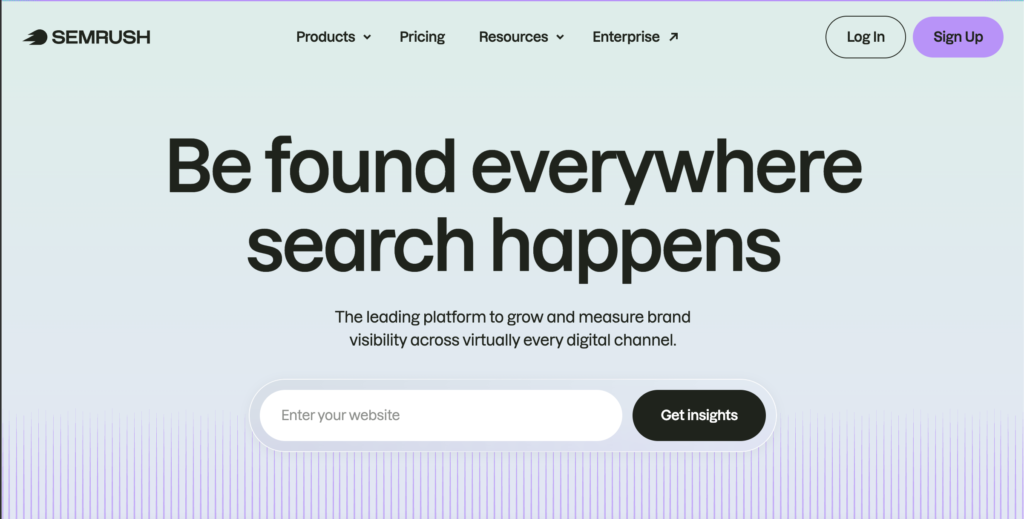
Semrush combines a large SEO research toolset with a built-in reporting feature called My Reports. This lets users pull rankings, traffic, backlinks, and audit data into one branded document without exporting from multiple platforms.
• Best for: Agencies and in-house teams that need both deep SEO research and client-ready reporting in one login
• Key strength: Wide data coverage combined with a native white-label report builder and Google integrations
• Buyer caution: White-label reporting and some advanced features may be locked to higher-tier plans, and the platform can feel dense if you only need basic reports
• What to verify manually: Which plan unlocks white-label reporting, current keyword and project limits, and whether automated scheduling is included or an add-on
Image note: Add a product screenshot, dashboard screenshot, logo, or official website screenshot for Semrush here.
2. SE Ranking: Best for Budget-Conscious Agencies
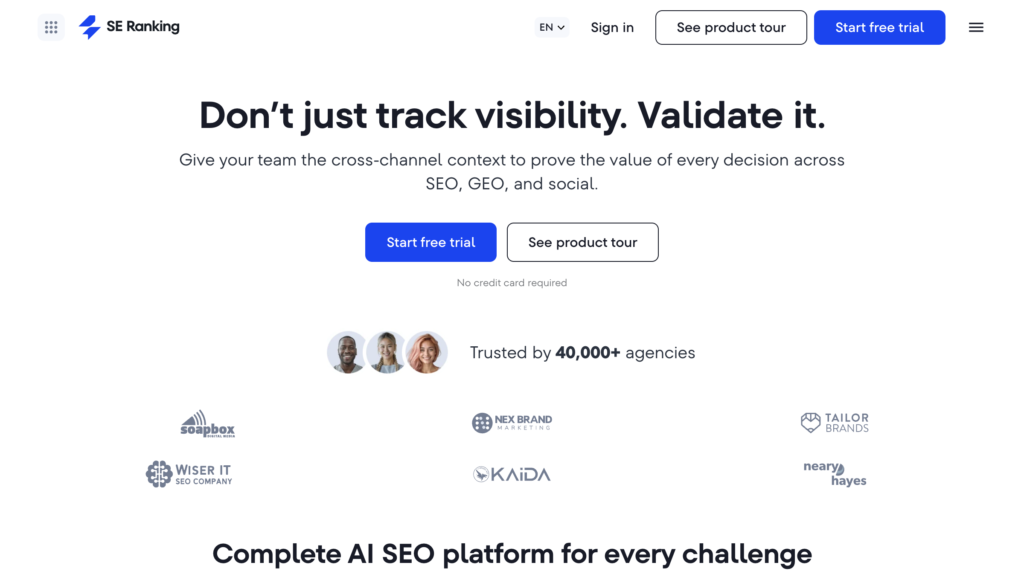
SE Ranking offers rank tracking, site audits, and white-label reporting at a more accessible price point than many enterprise platforms. It’s a common pick for smaller teams that still need professional client output.
• Best for: Freelancers and small-to-mid agencies managing a handful of client accounts
• Key strength: White-label reports and scheduled delivery available without enterprise pricing
• Buyer caution: Historical data and third-party integrations may be more limited on lower plan tiers, and the interface may feel less polished than premium competitors
• What to verify manually: Current plan tier required for white-label access, keyword and project caps, and data refresh frequency
Image note: Add a product screenshot, dashboard screenshot, logo, or official website screenshot for SE Ranking here.
3. SEO PowerSuite: Best for One-Time Purchase, No Subscription
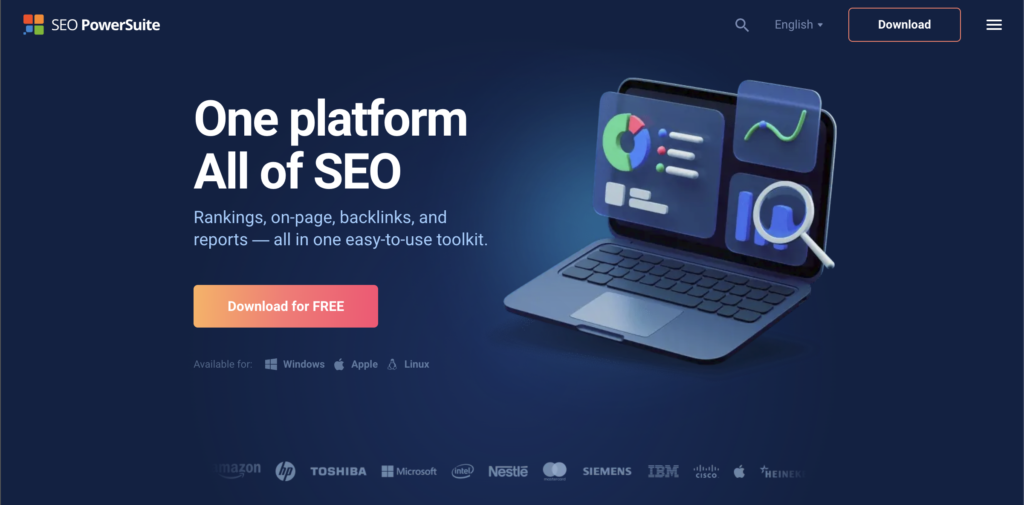
SEO PowerSuite is a desktop-based toolkit that offers a one-time purchase option instead of a recurring subscription. It includes rank tracking, audits, backlink analysis, and report generation, all run locally on your machine.
• Best for: Consultants and agencies who want to avoid ongoing subscription costs and prefer local data control
• Key strength: Unlimited projects and keywords on paid editions without per-client pricing
• Buyer caution: Desktop-only software limits team collaboration, and the interface feels dated compared to modern cloud tools
• What to verify manually: Current pricing for Professional versus Enterprise editions, and whether scheduled report delivery requires extra cost
Image note: Add a product screenshot, dashboard screenshot, logo, or official website screenshot for SEO PowerSuite here.
4. AgencyAnalytics: Best for Multi-Channel Agency Reporting
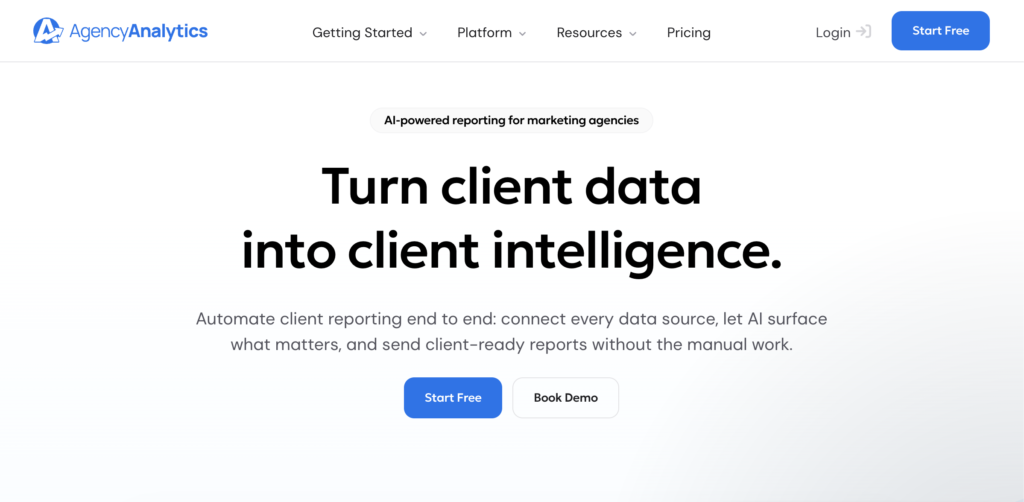
AgencyAnalytics is built specifically for agencies that report on more than just SEO. It combines SEO data with PPC, social, and email metrics into one branded client dashboard.
• Best for: Full-service agencies reporting across multiple marketing channels, not just SEO
• Key strength: Strong white-label dashboards with custom domains and live client access
• Buyer caution: SEO-specific data depth may rely on third-party sources rather than a proprietary database, and pricing can climb as client count grows
• What to verify manually: Per-client pricing structure, which SEO data sources feed the platform, and whether rank tracking is included by default
Image note: Add a product screenshot, dashboard screenshot, logo, or official website screenshot for AgencyAnalytics here.
5. Moz: Best for Simplicity and Ease of Use
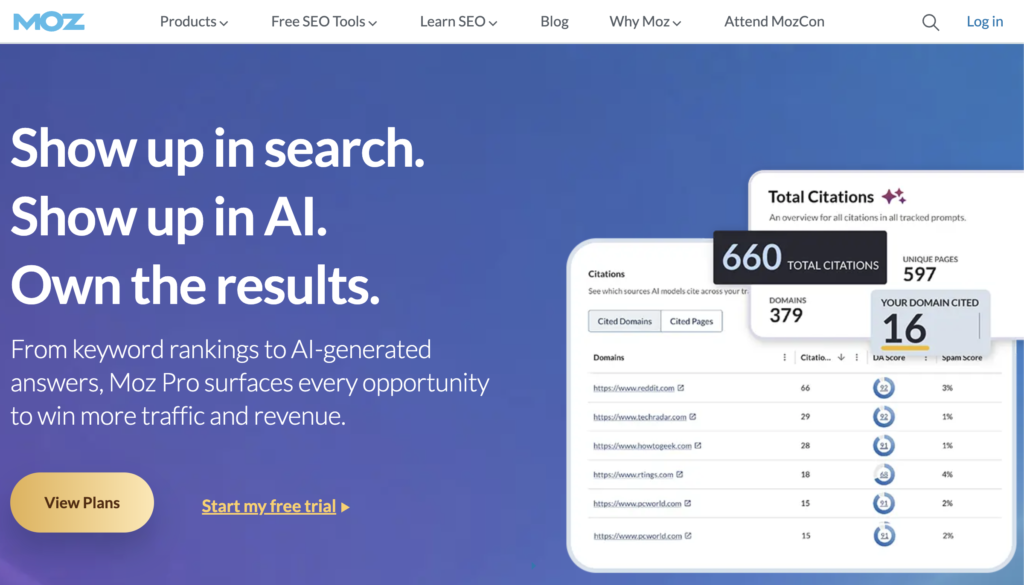
Moz is known for a clean, approachable interface and straightforward reporting. It suits teams that want clear output without a steep learning curve.
• Best for: In-house teams and SEO beginners who want simple, professional reports without feature overload
• Key strength: Intuitive campaign setup and clean report templates backed by strong educational resources
• Buyer caution: Keyword and backlink database is smaller than larger competitors, and white-label options may be more limited
• What to verify manually: Current white-label availability, campaign and keyword limits, and whether automated report delivery is included
Image note: Add a product screenshot, dashboard screenshot, logo, or official website screenshot for Moz here.
6. SpyFu: Best for Competitor-Focused Reporting
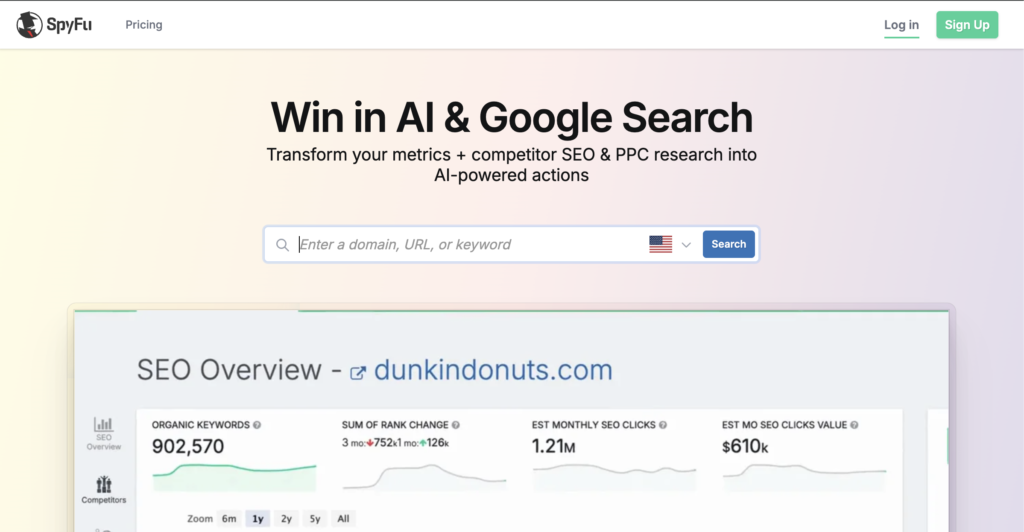
SpyFu centers on competitor keyword and PPC data, making it useful for reports that compare a client’s performance against rivals rather than just tracking standalone metrics.
• Best for: Teams that want competitor comparison data as a core part of their reporting
• Key strength: Strong competitor keyword and ad history insights for context-driven reports
• Buyer caution: Technical audit depth and white-label reporting options are less developed than dedicated reporting platforms
• What to verify manually: Whether current plans include automated report scheduling and how often competitor data updates
Image note: Add a product screenshot, dashboard screenshot, logo, or official website screenshot for SpyFu here.
7. Raven Tools: Best for Custom Agency Report Building
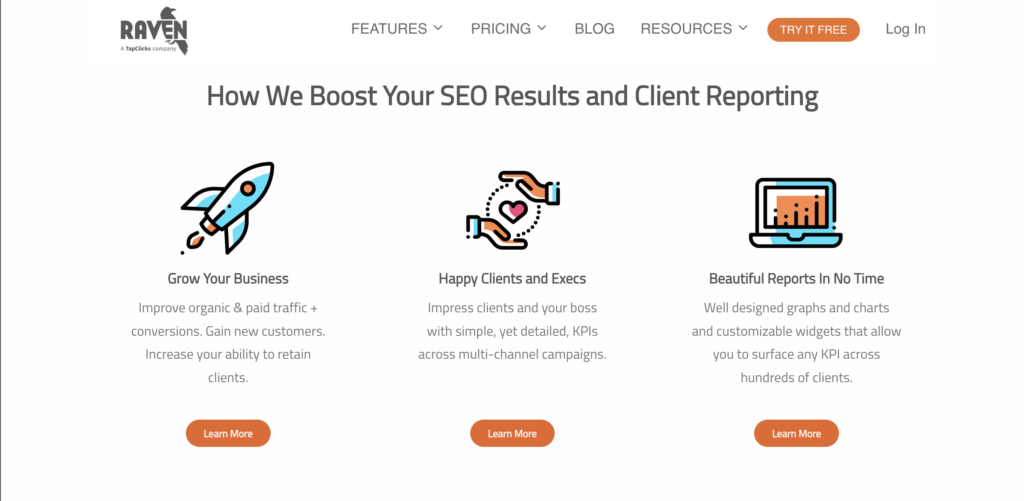
Raven Tools focuses on flexible report customization, letting agencies pull data from multiple sources into one configurable client report.
• Best for: Agencies that want granular control over report layout and data sources
• Key strength: Customizable report modules that can combine SEO with other marketing metrics
• Buyer caution: Underlying data sources may be smaller in scale compared to major SEO platforms, which can affect research depth
• What to verify manually: Current integration list, white-label options, and how pricing scales with number of clients
Image note: Add a product screenshot, dashboard screenshot, logo, or official website screenshot for Raven Tools here.
How to Choose the Right Option
The right tool depends on four things: what you’re reporting on, how many clients or projects you manage, whether you need white-label branding, and your budget.
Start with your primary use case. If you manage 5+ client accounts and need automated, branded reports, white-label capability matters most. If you’re in-house and reporting to one executive team, automation and ease of use matter more than multi-client features.
Next, assess your data needs. Do you need just rankings and traffic, or do you also report on backlinks, technical audits, and Core Web Vitals? Tools like Semrush and SE Ranking bundle these in. Tools like AgencyAnalytics may pull some metrics from third-party sources.
Then check integrations. Most teams need Google Search Console and Google Analytics connected natively. If you also report on Google Ads or social media, verify whether the tool pulls that data without extra work.
Finally, match features to budget. Don’t overpay for white-label if you don’t need it. Don’t buy an enterprise plan if you manage only two projects. Test with a free trial first build one real report to see if the output matches your standards and the setup time fits your workflow.
Before committing: Verify current pricing directly on the provider’s website, check support availability for your time zone, and confirm keyword and project limits align with your actual workload.
Common Mistakes to Avoid
• Choosing by brand name alone. Recognizable platforms aren’t always the best fit for your specific reporting needs. Evaluate features, not just reputation.
• Ignoring limitations. Every tool has trade-offs. A platform strong in white-label reporting may have weaker technical audits. Read the cautions carefully.
• Skipping the free trial. A tool that looks good on paper may have a confusing interface or slow report building in practice. Test it first.
• Not checking support responsiveness. A cheap tool with no support becomes expensive quickly when you’re stuck. Verify support channels and response times.
• Overbuying features. You’ll waste money and create friction if the tool has ten features you’ll never use. Pick what solves your actual problem.
FAQs About SEO Reporting Tools
Which tool is best for agencies managing 20+ clients?
Semrush or AgencyAnalytics. Both scale well and offer white-label dashboards. Semrush is better if you need deep SEO research alongside reporting. AgencyAnalytics is better if you report across multiple marketing channels.
Do I need white-label reporting if I’m an in-house team?
No. In-house teams reporting to internal stakeholders don’t need white-label branding. Focus on ease of use and Google integration instead. Moz is a solid choice here.
Can I use a free SEO tool for reporting instead?
Free tools rarely offer scheduled automated reports or professional white-label options. They’re good for learning but not for client or executive reporting at scale.
How often should I update a client report?
Most agencies send monthly reports. Some send weekly or bi-weekly. Automated scheduling tools let you set frequency once and stop thinking about it. Pick a tool that supports your preferred cadence.
What if I use multiple SEO tools can I combine them into one report?
Yes, but it requires manual work or a third-party dashboard tool. It’s easier to pick one reporting tool and use it as your primary source. Raven Tools and AgencyAnalytics are built to combine data from multiple sources.
Conclusion
Choose based on your actual workflow, not brand name. Semrush works best for agencies needing deep SEO research plus professional reporting at scale. SE Ranking fits freelancers and small teams on tight budgets. Moz suits in-house teams that value simplicity over feature depth.
Before committing, verify three things directly with the provider: current pricing and plan limits, data update frequency, and support response time for your region. Run a free trial and build one real report to test setup friction and output quality.
The cheapest tool often costs the most in lost time if it doesn’t fit your needs. Pick deliberately, test thoroughly, and switch early if the fit isn’t right.