Finding the exact image you need or verifying suspicious photos can feel like searching for a needle in a haystack. You’re not alone if you’ve struggled with basic Google image searches that return thousands of irrelevant results.
This ultimate guide to advanced image search techniques is designed for digital marketers, content creators, researchers, journalists, and anyone who needs to go beyond simple keyword searches to find, verify, or analyze images professionally.
You’ll discover how to master reverse image search across multiple platforms like Google, TinEye, and specialized AI-powered tools. We’ll show you advanced search operators that filter results with surgical precision, turning your hunt for specific images into a targeted mission. You’ll also learn professional image verification methods that help you spot fake images, check copyright status, and extract hidden metadata that reveals an image’s true origin story.
By the end of this guide, you’ll have a complete toolkit of image search techniques that work whether you’re fact-checking viral photos, hunting down high-resolution versions of images, or protecting your own visual content from unauthorized use.
Master Reverse Image Search Across Multiple Platforms

Leverage Google Images for comprehensive visual matching
Google Images serves as your primary weapon for reverse image search techniques, offering the most extensive database for visual matching. You can upload an image directly or paste a URL to find similar images, identify objects, and discover where your image appears online. The platform’s advanced algorithms excel at recognizing patterns, colors, and shapes, making it perfect for finding high-resolution versions of images or tracking their usage across websites.
Utilize TinEye for tracking image origins and modifications
TinEye specializes in tracking image modifications and finding the oldest versions of images online, making it essential for professional image research. You’ll discover how images have been altered, cropped, or edited over time by comparing different versions side by side. This reverse image search engine crawls billions of images and provides detailed results showing where your image has appeared, helping you verify authenticity and trace digital footprints with remarkable precision.
Explore Yandex for superior facial recognition capabilities
Yandex’s reverse image search outperforms other platforms when you’re searching for people or faces in images. The Russian search engine’s facial recognition technology can identify individuals across social media platforms and websites with impressive accuracy. You can find similar faces, discover related photos of the same person, or identify celebrities and public figures that other search engines might miss.
Access specialized databases through professional tools
Professional image verification requires access to specialized databases beyond standard search engines. You can leverage tools like Forensically for EXIF data extraction and metadata analysis, or use platforms like RevEye for simultaneous searches across multiple engines. These professional-grade tools help you detect duplicate images, analyze image authenticity, and perform comprehensive visual searches that meet industry standards for journalism, legal work, and digital investigations.
Deploy Advanced Search Operators and Filters

Combine multiple search parameters for precise results
Master your image search techniques by stacking multiple operators for laser-focused results. You can combine site-specific searches with file type filters by using “site:flickr.com filetype:jpg” to find high-resolution images from specific platforms. Mix color filters with size restrictions using operators like “large blue ocean waves” while applying resolution parameters to eliminate low-quality matches.
Apply size and resolution filters to find high-quality images
Your professional projects demand crisp, high-resolution visuals that won’t pixelate when scaled. Google’s Tools menu lets you filter by size categories like “Large” or specify exact dimensions using “imagesize:1920×1080” operators. You can also search for images larger than specific dimensions with “larger than 2MP” to ensure print-quality results for your presentations and marketing materials.
Use color-based filtering to match specific palettes
Color coordination becomes effortless when you leverage advanced filtering options to match your brand palette perfectly. You can search for images dominated by specific colors using Google’s color filter wheel or combine text queries with color operators like “sunset orange:dominant” to find images where your target color is the primary tone.
Filter by usage rights and licensing requirements
Navigate copyright safely by filtering search results based on licensing requirements before downloading any image. You’ll find usage rights filters in Google Images’ Tools section, allowing you to specify Creative Commons licenses, commercial use permissions, or modification rights. Always verify licensing details on the source website, as search engine filters provide guidance but aren’t legally binding documentation for your image verification methods.
Harness AI-Powered Visual Recognition Tools

Implement machine learning algorithms for object detection
Modern AI-powered visual recognition tools revolutionize how you search for images by identifying specific objects, faces, and scenes within pictures. You can leverage platforms like Google Vision API, Amazon Rekognition, and Clarifai to automatically detect and categorize elements in your images, making your image search techniques far more precise than traditional keyword-based methods.
Use semantic search to find conceptually similar images
Semantic image search goes beyond matching identical pixels to understand the meaning and context behind visual content. You can use AI image search platforms like Pinterest Visual Search or Adobe Stock’s visual similarity feature to discover images that share conceptual themes, color schemes, or compositional elements, even when they look completely different at first glance.
Apply computer vision for detailed feature analysis
Computer vision technology enables you to analyze minute visual details that human eyes might miss during manual searches. You can extract specific features like textures, patterns, shapes, and spatial relationships using tools like OpenCV or specialized visual recognition tools, allowing you to find images based on technical specifications rather than just general appearance or metadata analysis.
Optimize Mobile Image Search Strategies

Master Smartphone Camera Search Functions
Your smartphone’s camera doubles as a powerful visual search engine when you know how to activate the right features. On Android devices, open Google Lens directly from your camera app or through Google Assistant, then point your lens at any object for instant identification and related search results. iPhone users can access visual lookup through the Photos app or use the camera icon in Safari’s search bar for immediate reverse image searches.
Position your camera steadily and ensure good lighting for optimal recognition accuracy. The built-in AI analyzes textures, colors, and shapes to match your target with millions of indexed images across the web.
Use Voice Commands for Hands-Free Searching
Voice-activated mobile image search transforms how you discover visual content without touching your screen. Simply say “Hey Google, search for images of vintage motorcycles” or “Hey Siri, show me pictures of Mediterranean architecture” to launch hands-free searches. Your device processes natural language requests and delivers relevant visual results instantly.
Combine voice commands with camera functions by saying “take a picture and search for similar images” while pointing at objects. This seamless integration between voice recognition and visual search optimization creates an efficient workflow for busy professionals and researchers.
Leverage Location-Based Image Discovery Features
Your GPS coordinates unlock geographically relevant image searches that standard desktop searches miss. Enable location services in your search apps to discover images tagged with nearby coordinates, revealing local landmarks, businesses, and points of interest. Google’s location-based search shows images captured within specific radius parameters around your current position.
Social media platforms like Instagram and Flickr integrate location data with their visual search capabilities, helping you find images from specific venues, neighborhoods, or geographic regions. This targeted approach proves invaluable for travel research, real estate photography, and local business verification.
Access Mobile-Specific Search Applications
Specialized mobile apps outperform browser-based searches for specific image research tasks. TinEye’s mobile app excels at reverse image searching with advanced filtering options, while CamFind identifies objects through your camera with impressive accuracy. Pinterest Lens combines visual discovery with shopping capabilities, perfect for finding similar products or design inspiration.
Download multiple apps to create a comprehensive mobile image search toolkit. Each application brings unique algorithms and database coverage, ensuring you capture results that single-platform searches might overlook during professional image verification projects.
Execute Professional Image Verification Techniques
Authenticate Original Sources and Detect Manipulations
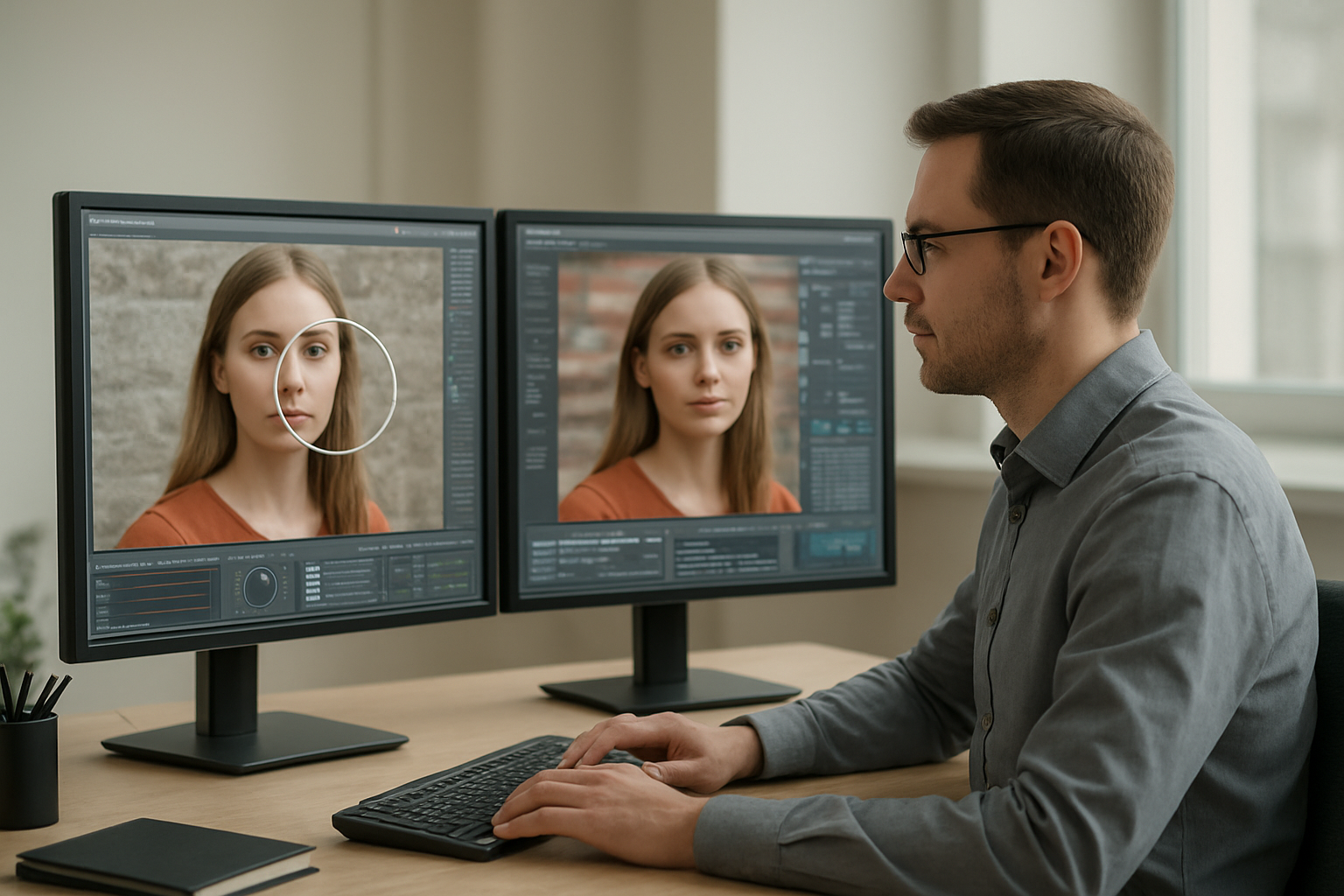
When verifying images professionally, you need to establish authenticity through multiple verification layers. Start by checking image timestamps, source metadata, and comparing visual elements across different platforms. Look for inconsistencies in lighting, shadows, or pixelation that might indicate manipulation. Digital forensics tools can reveal traces of editing software and highlight areas where content has been altered or spliced together.
Cross-Reference Multiple Databases for Accuracy
Your image verification process becomes stronger when you search across various databases simultaneously. Use TinEye search alongside Google reverse image search to track an image’s digital footprint. Professional fact-checkers often employ specialized databases like Getty Images, Reuters, and news archives to establish publication dates and original contexts. This cross-referencing approach helps you identify misattributed content and catch images being used out of their original context.
Analyze Metadata and EXIF Data for Forensic Insights
EXIF data extraction reveals crucial information about when and where photos were taken, including camera settings, GPS coordinates, and device specifications. You can analyze this metadata to verify claims about timing and location. Professional image verification methods rely heavily on examining compression artifacts, file formats, and editing histories embedded within the image data. Tools like ExifTool and online metadata viewers help you uncover these digital fingerprints.
Identify Deepfakes and AI-Generated Content
Detecting AI-generated content requires training your eye to spot subtle inconsistencies in facial features, textures, and backgrounds. Look for unnatural skin smoothness, inconsistent lighting patterns, or artifacts around hair and teeth areas. Specialized detection tools and browser extensions can help identify deepfakes, but manual inspection remains valuable. Pay attention to temporal inconsistencies in video deepfakes and unusual reflections or shadows that don’t match the scene’s lighting conditions.
Navigate Copyright and Legal Considerations
Understand Fair Use Policies Across Different Platforms
When you’re conducting image search techniques or reverse image search activities, you need to grasp how fair use varies between platforms like Google, Instagram, and Pinterest. Each platform has distinct copyright policies that affect your image verification methods and research capabilities. Your understanding of these differences protects you from legal issues while maximizing your visual search optimization efforts.
Locate Royalty-Free and Creative Commons Licensed Images
You can access millions of legitimate images through Creative Commons databases, Unsplash, and government archives during your professional image research. These sources provide clear licensing information that supports your image copyright verification process. When you use these platforms alongside AI image search tools, you’ll build a reliable library of legally compliant visual content for your projects.
Implement Proper Attribution and Licensing Protocols
Your attribution practices must include creator names, source URLs, and specific license types when using discovered images. Document this information during your image metadata analysis to create an audit trail. This systematic approach protects your work while respecting creators’ rights, especially when combining multiple image search operators and visual recognition tools in comprehensive research projects.
MUST READ: Ultimate Guide to Virtual Meeting Etiquette
You now have a complete toolkit of advanced image search techniques that can transform how you find, verify, and use visual content. From mastering reverse image searches across different platforms to leveraging AI-powered recognition tools, these strategies help you dig deeper than basic keyword searches ever could. The combination of smart search operators, mobile optimization tricks, and professional verification methods puts you ahead of casual searchers who settle for surface-level results.
Your success with these techniques depends on choosing the right approach for each situation. Remember to respect copyright laws and always verify image authenticity before making important decisions based on your findings. Start experimenting with these methods today, and you’ll quickly discover how much more effective your image searches become when you move beyond the basics.