
Video conferences have become the backbone of modern work, yet many professionals struggle with poor audio, awkward camera angles, and meetings that drag on without clear outcomes. If you’re tired of technical glitches derailing your presentations or feeling invisible during important calls, you need practical video conference tips that actually work.
This guide is designed for remote workers, team leaders, and anyone who wants to master video conferencing and stand out as a polished, engaging participant in virtual meetings. You’ll discover how to create a professional video meeting setup that makes you look and sound your best, plus learn communication strategies that keep audiences engaged and meetings productive.
We’ll cover the essential technical foundation you need for crystal-clear video calls, including lighting, audio, and camera positioning that transforms your on-screen presence. You’ll also master the body language and virtual communication strategies that help you connect authentically with colleagues, even through a screen. Finally, we’ll explore advanced techniques for managing meetings effectively and creating distraction-free environments that boost your remote meeting effectiveness.
Essential Technical Setup for Professional Video Conferences
Choose the Right Camera Position and Lighting
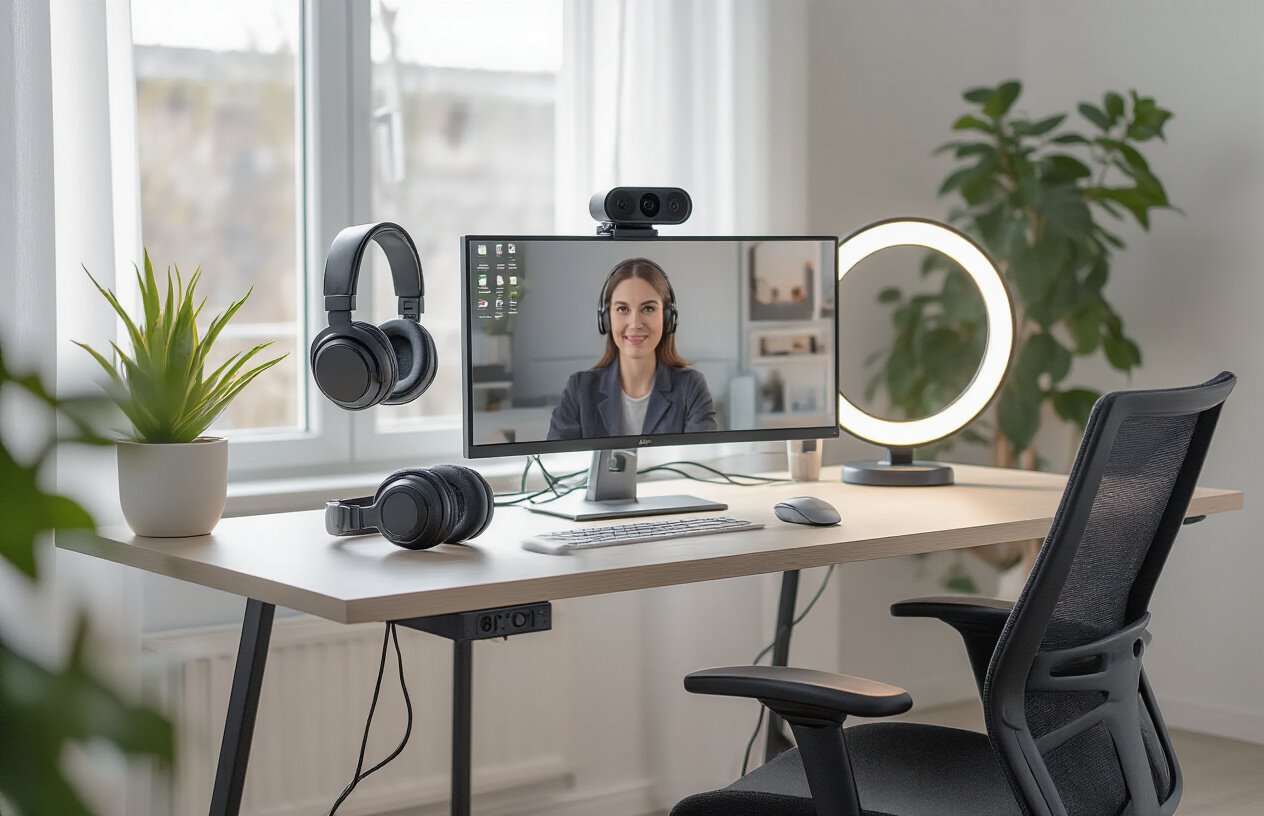
Position your camera at eye level to create natural conversation dynamics and avoid unflattering angles. Place your primary light source in front of you, using a window or desk lamp to eliminate harsh shadows on your face. Avoid backlighting from windows behind you, which creates silhouettes that make you difficult to see during important video calls.
Optimize Your Internet Connection for Smooth Performance
Your internet connection directly impacts your professional video meeting setup quality. Close unnecessary applications and browser tabs that consume bandwidth before joining calls. Use ethernet connections when possible instead of WiFi for more stable connectivity. Test your internet speed beforehand and have a backup plan, like mobile hotspot, ready for critical meetings.
Test Audio Equipment Before Important Meetings
Audio quality matters more than video in virtual meetings, so invest time in proper setup. Use headphones or earbuds to prevent echo and feedback that disrupts conversations. Test your microphone levels and background noise reduction features in your video conferencing software. Keep backup audio solutions available, including your phone’s audio dial-in option.
Select Appropriate Video Conferencing Software
Choose platforms that match your meeting requirements and participants’ technical comfort levels. Popular options include Zoom for large presentations, Teams for Microsoft-integrated workplaces, and Google Meet for simple connections. Familiarize yourself with essential features like screen sharing, recording, and breakout rooms. Download desktop applications rather than relying on browser versions for better performance and reliability.
Master Your On-Camera Presence and Body Language

Maintain Eye Contact by Looking at the Camera
Position your camera at eye level and look directly into the lens when speaking. This creates the impression that you’re making genuine eye contact with your audience, even though you’re naturally drawn to look at their faces on your screen. Place a small arrow or reminder near your camera to help you remember this crucial video conference tip.
Use Confident Posture and Hand Gestures
Sit up straight with your shoulders back and keep your hands visible within the frame. Natural hand gestures help emphasize your points and make your virtual communication more engaging. Avoid fidgeting or excessive movement that can distract from your message during professional video meetings.
Dress Appropriately for Your Audience
Choose solid colors and avoid busy patterns that can appear distracting on camera. Your outfit should match the meeting’s formality level – business attire for client calls, smart casual for team meetings. Consider your background when selecting colors to ensure you stand out clearly and maintain a professional video meeting setup.
Communication Strategies That Drive Engagement

Speak Clearly and Control Your Pace
Your speaking pace directly impacts how well your message lands with participants. Slow down deliberately when sharing complex information or key points that need emphasis. Practice speaking 20% slower than your normal conversation speed to ensure everyone can follow along, especially when participants have varying language backgrounds or technical expertise.
Use Interactive Features to Keep Participants Involved
Transform passive listeners into active contributors by leveraging your platform’s engagement tools. Use polls to gauge opinions, breakout rooms for small group discussions, and chat features for real-time questions. These video conferencing body language cues and virtual communication strategies keep energy high and prevent the dreaded “zoom fatigue” that kills productivity.
Practice Active Listening Techniques
Show participants you value their input by repeating back key points and asking clarifying questions. Maintain eye contact with your camera when someone speaks, and use verbal acknowledgments like “I hear you saying…” or “That’s a great point about…” This builds trust and encourages more meaningful participation.
Handle Questions and Interruptions Professionally
| Situation | Response Strategy |
|---|---|
| Multiple people speaking | “Let me pause here – Sarah, I saw you first” |
| Technical difficulties | “While we troubleshoot, let’s continue with…” |
| Off-topic questions | “Great question – let’s circle back after we cover…” |
Master the Art of Screen Sharing
Prepare your screen beforehand by closing unnecessary applications and organizing your desktop. Use your cursor as a pointer to guide attention, and always announce what you’re showing: “I’m pulling up the quarterly report now – you should see three columns of data.” Test your screen sharing setup before important meetings to avoid technical hiccups that derail your presentation flow.
Create Distraction-Free Environment for Maximum Focus
Eliminate Background Noise and Visual Clutter
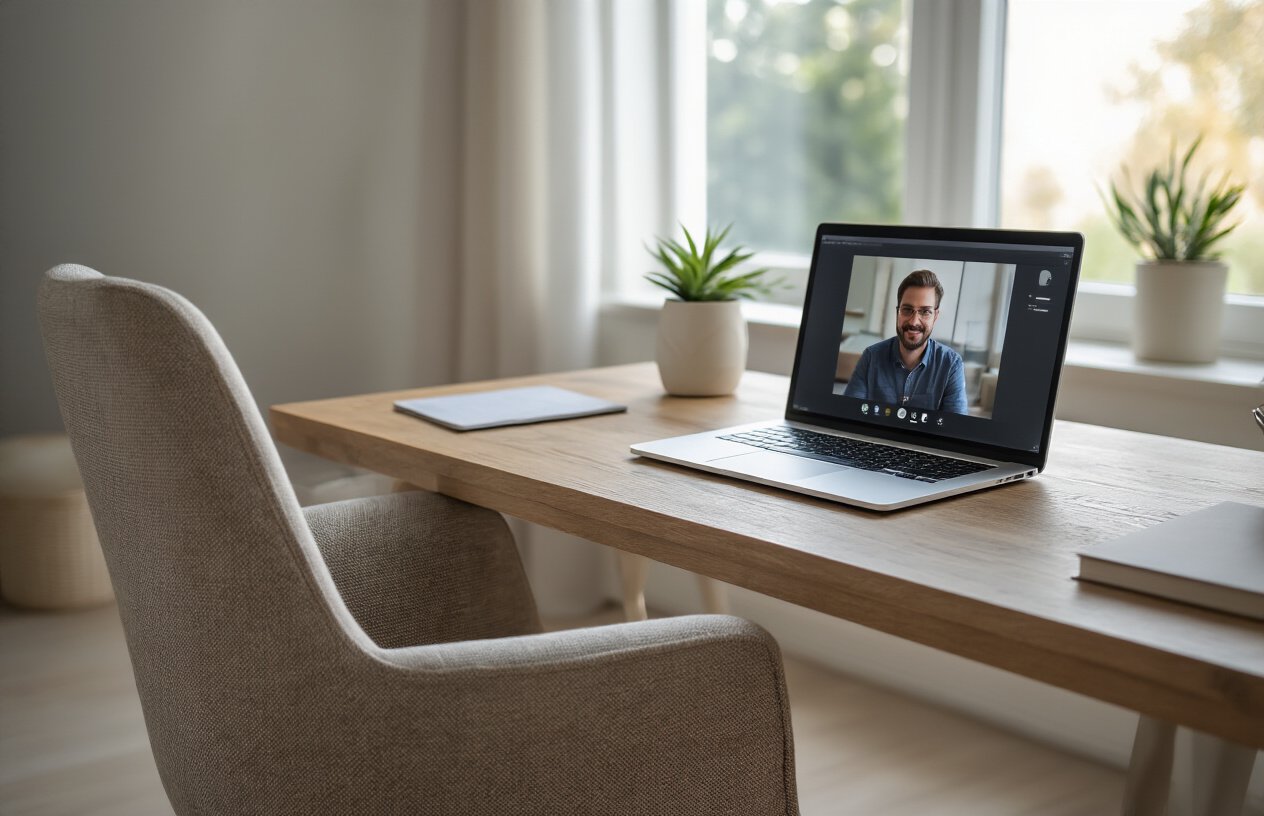
Your workspace speaks volumes before you even say a word. Position yourself in front of a clean, uncluttered wall or bookshelf that won’t compete for attention with your message. Close any unnecessary browser tabs, silence notification sounds, and turn off email alerts to prevent those embarrassing dings during important discussions.
Choose Professional Virtual Backgrounds When Needed
Virtual backgrounds can be your secret weapon when your actual space isn’t camera-ready. Pick subtle, professional options like simple office settings or soft gradients rather than distracting animated scenes. Test your chosen background beforehand to ensure it doesn’t create weird edge effects around your hair or clothing that could undermine your credibility.
Manage Family and Pet Interruptions
Communication with your household members sets clear boundaries for your video conference success. Post a simple “Do Not Disturb” sign on your door and brief family members about your meeting schedule. Keep pets in another room or provide them with engaging toys to prevent unexpected guest appearances that could derail important conversations.
Advanced Meeting Management Techniques
Structure Meetings with Clear Agendas and Timelines
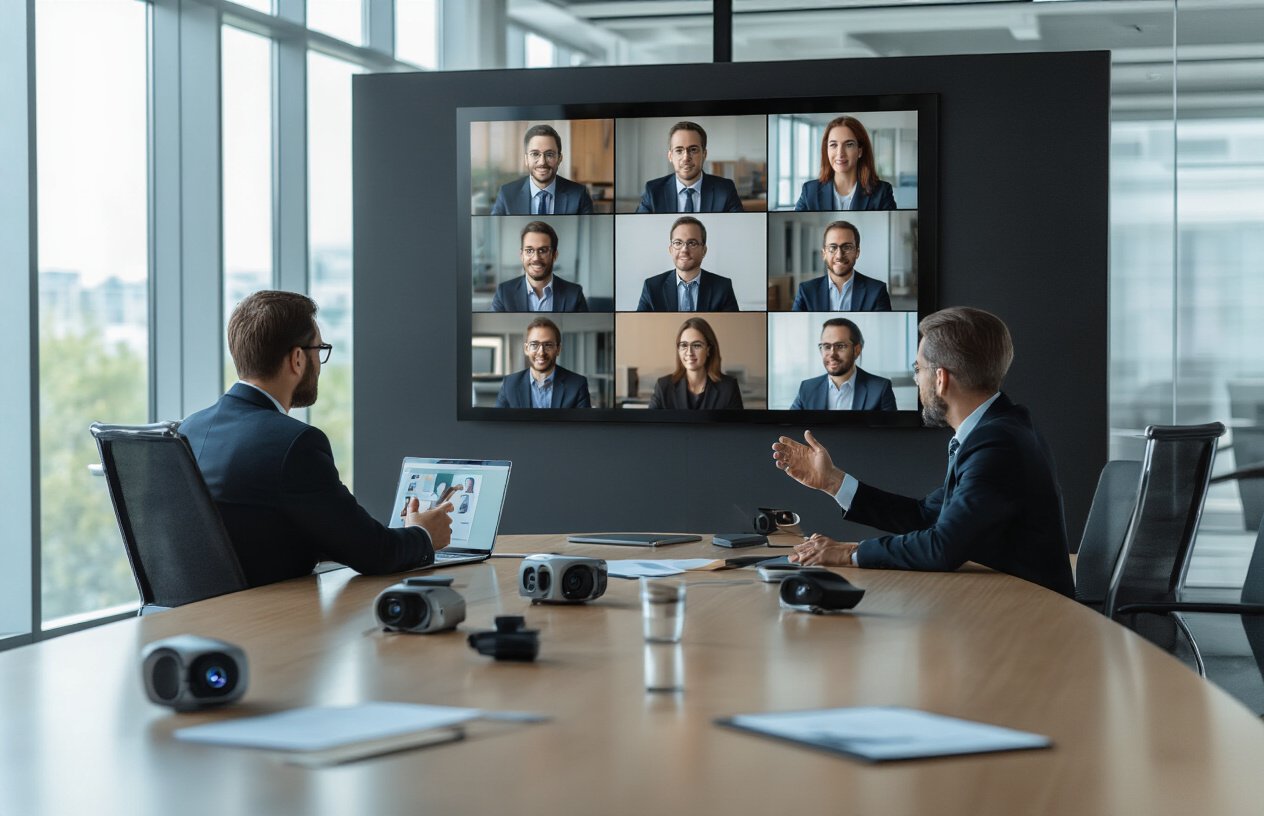
Create a detailed agenda before your video conference and share it 24 hours in advance. Include specific time slots for each topic and assign discussion leaders. This approach keeps your virtual meeting skills sharp and ensures every participant comes prepared.
Facilitate Group Discussions Effectively
Master video conferencing by using breakout rooms for smaller group work and rotating speaking opportunities. Call participants by name to encourage engagement and use the “raise hand” feature to manage contributions. These video conference tips prevent awkward interruptions and maintain productive dialogue flow.
Use Recording and Note-Taking Features Strategically
Record meetings for absent team members and use shared documents for real-time note collaboration. Assign someone to capture action items and deadlines during the call. Smart use of these features transforms your remote meeting effectiveness and creates accountability.

Video conferencing doesn’t have to feel like a struggle anymore. You now have the tools to show up confidently in every meeting – from setting up your tech properly and creating a professional space, to mastering your on-screen presence and keeping everyone engaged. The key is treating each video call like an in-person meeting where your preparation and presence make all the difference.
MUST READ: 7 Apple MacBook Features That Still Make It Worth Buying in 2026
Start implementing these strategies one at a time rather than trying to change everything at once. Focus on your camera setup and lighting first, then work on your communication skills and meeting management techniques. Your colleagues will notice the difference, and you’ll find yourself actually looking forward to those video calls instead of dreading them. The investment you make in improving your video conferencing skills will pay off in stronger relationships, clearer communication, and more productive meetings.

Pingback: Ultimate Guide to Virtual Meeting Etiquette - Pulse Modo | All about World